4 min read
The kitchen sink: every element this blog can render
A reference post that exercises every markdown construct, code-block feature, and custom component the blog supports. Bookmark it, then copy from it.
This post exists so there's one page that renders everything. If something looks wrong here, it'll look wrong in a real post too. Each section is an element or a feature; the source of this file is the documentation.
Text#
Paragraphs are set at 17px with a line height of 1.8. Bold is a semibold weight, italic is a true italic, and both works. Strikethrough comes from GitHub-flavoured markdown, as does the "smart" handling of a URL like https://nextjs.org.
Inline code like const answer = 42 gets a chip. Inline code can also be highlighted with a language hint, like const answer: number = 42, which runs through the same highlighter as code blocks.
Links come in three kinds: internal, external, and anchor. External links open in a new tab and carry a little arrow. Keyboard shortcuts use a component: press ⌘ K to search (no it doesn't — there's no search).
Here's a line with a footnote.1 And here's a second footnote on the same paragraph.2
Headings#
Everything above h2 in the body is demoted to h2, because the post title is the page's only h1. Sub-sections use h3, and both appear in the outline on the left. An h4 is available for finer structure but stays out of the outline.
A third-level heading#
Third-level headings are indented in the outline.
A fourth-level heading#
Fourth-level headings look like this and are not listed. Use them sparingly.
Lists#
Unordered:
- Interfaces
- Tooling
- Nested items work
- And can go deeper
- Though you probably shouldn't
- Craft
Ordered:
- Read the whole prompt
- Read the relevant docs
- Then write code
Task list:
- Frontmatter parsing
- Syntax highlighting with light and dark themes
- Outline with active-section tracking
- Search (not planned)
Quotes#
The best way to predict the future is to invent it.
Alan Kay
A quote without attribution:
Simplicity is prerequisite for reliability.
Code blocks#
A plain block with a title and line numbers:
export function tagToSlug(tag: string): string {
  return tag
    .toLowerCase()
    .trim()
    .replace(/[^a-z0-9]+/g, '-')
    .replace(/^-+|-+$/g, '');
}Highlighted lines and highlighted words, no title:
<Image
  src={post.cover}
  alt={post.coverAlt ?? ''}
  fill
  preload
  sizes="(min-width: 1152px) 1104px, 100vw"
/>A shell session:
npm install @mdx-js/mdx rehype-pretty-code shiki gray-matter
npm run dev
# ▲ Next.js 16 — ready on http://localhost:3000JSON, with an empty line to make sure it keeps its height:
{
  "title": "The kitchen sink",
  "tags": ["Meta", "MDX", "Testing"],

  "draft": false
}A diff:
- <motion.div transition={{ duration: 0.3, ease: 'easeOut' }}>
+ <motion.div transition={{ type: 'spring', stiffness: 400, damping: 30 }}>CSS:
.toc-link[aria-current] {
  color: #09090b;
  font-weight: 500;
}Python, because not everything is JavaScript:
import re

def slugify(value: str) -> str:
    value = value.lower().strip()
return re.sub(r"[^a-z0-9]+", "-", value).strip("-")A block with no language at all:
plain text stays plain
  and keeps its indentation
A long line, to check horizontal scrolling inside the block:
export const sizes = '(min-width: 1280px) 640px, (min-width: 1024px) 720px, (min-width: 640px) calc(100vw - 3rem), 100vw';Tables#
| Element | Source | Component override | Notes |
|---|---|---|---|
| Headings | markdown | createHeading | Adds id + anchor |
| Links | markdown | MdxLink | Internal → next/link |
| Images | markdown | BlogImage | Lazy, blur-in, optional caption |
| Code blocks | markdown | CodeBlock | Copy button, language chip |
| Tables | markdown (GFM) | MdxTable | Wrapped for horizontal scroll |
| Callouts | <Callout> | — | note / tip / warning / danger |
| Demos | <CounterDemo> | — | Any client component in the registry |
Wide tables scroll sideways inside their frame instead of breaking the column.
Images#
Markdown image with a caption (the caption comes from the title attribute):
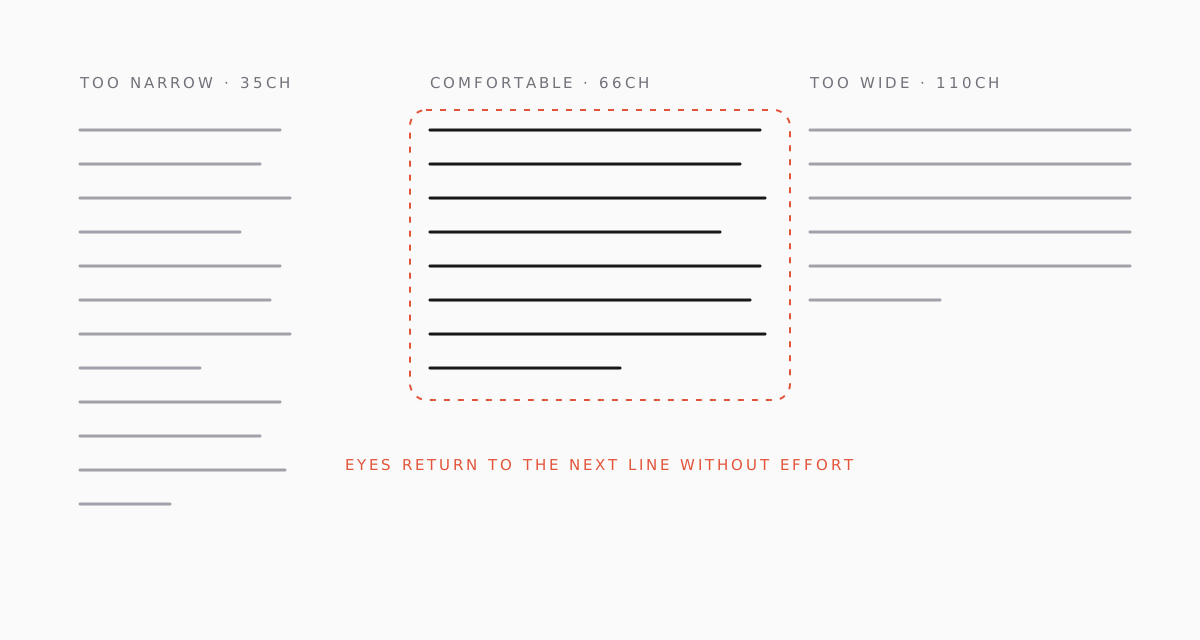
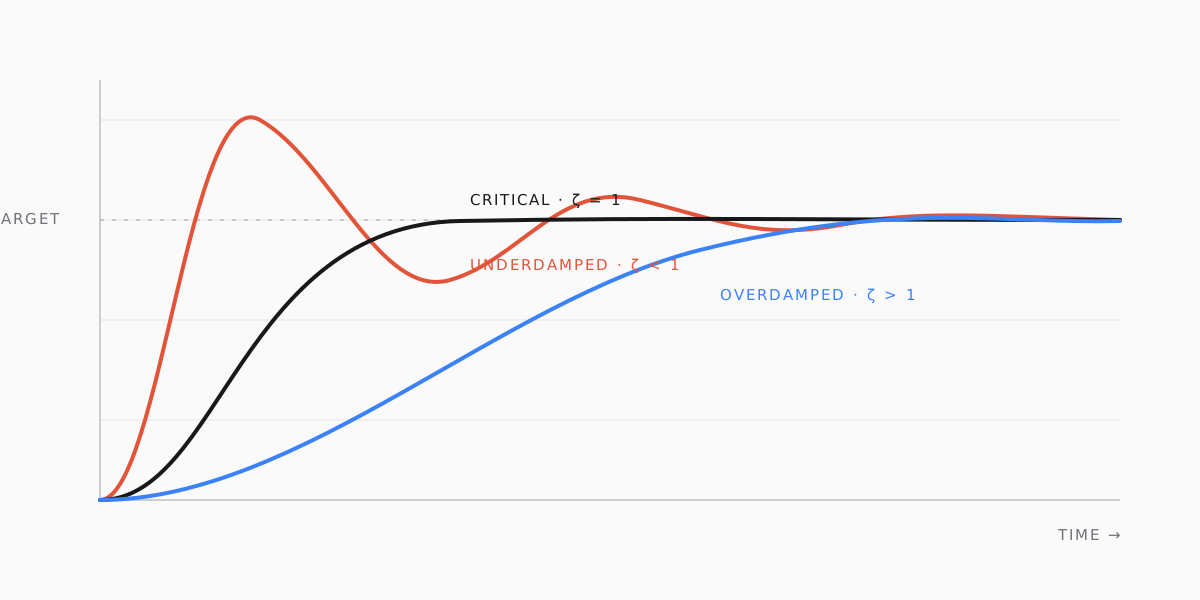
The Figure component takes dimensions, which lets next/image reserve space and pick sizes. The wide variant breaks out of the text column on large screens:
Callouts#
Interactive components#
Any client component registered in mdx-components.tsx can be dropped into a post by name. No imports in the MDX file.
Live component
Rendered by React, inside the markdown.
Collapsible sections#
How the outline is built
After rehype-slug assigns ids, a tiny rehype plugin walks the tree and collects every h2 and h3 with its id and text. The outline component receives that list as a prop — so the links are guaranteed to match the rendered anchors.
Horizontal rule#
Text above.
Text below.
Escaping#
MDX treats curly braces as expressions, so literal ones need escaping: { like this }. Angle brackets in prose should be written as < or put in backticks: <div>.